01YOUR TODAY
Less in your head.More room for your day.
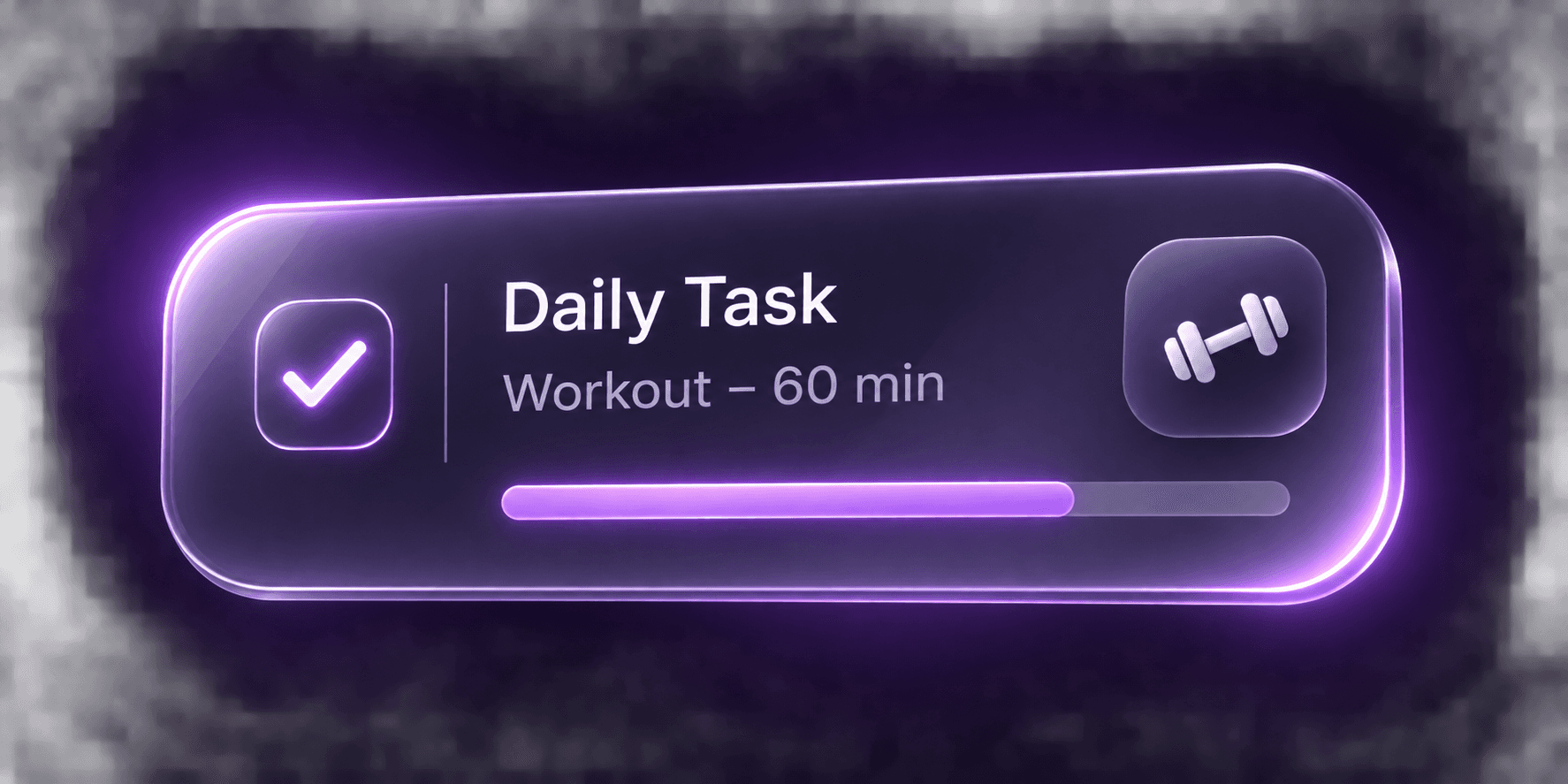
Write a task, check it off, and see what is left. Repeat the things you want to keep doing, without building a complicated plan.
- Daily tasks
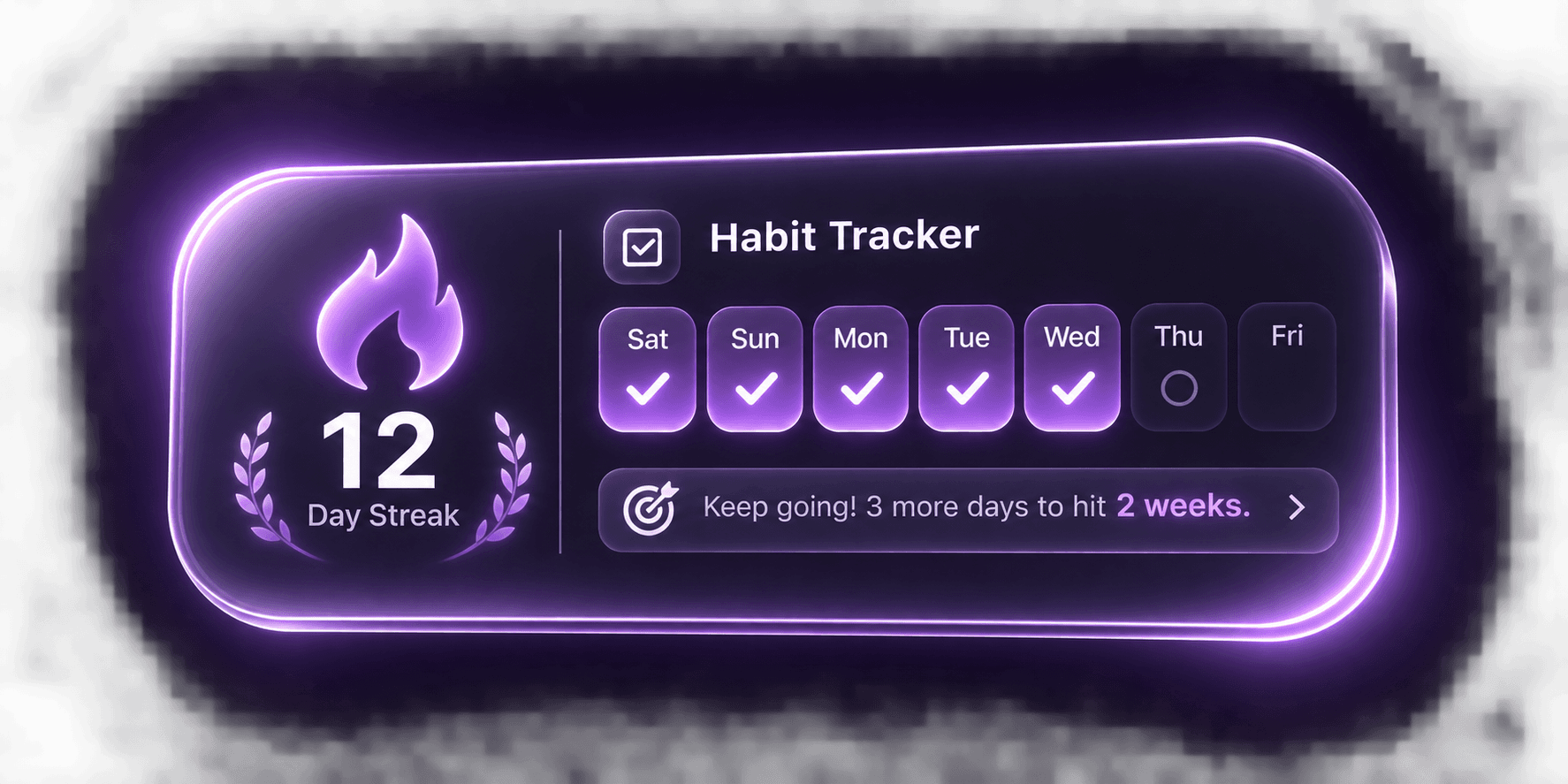
- Daily repetition
 0.1 / A LITTLE FURTHER.
Your tasks, your training, your next small goal. Bring them into one calm place and decide what matters today.
Start with 0.1Android · Invitation required
01YOUR TODAY
Write a task, check it off, and see what is left. Repeat the things you want to keep doing, without building a complicated plan.
 0.1
Tuesday, 17 November
Interactive preview · Sample data, saved only while this page is open
You do not need to plan everything. Start with one thing that matters today.
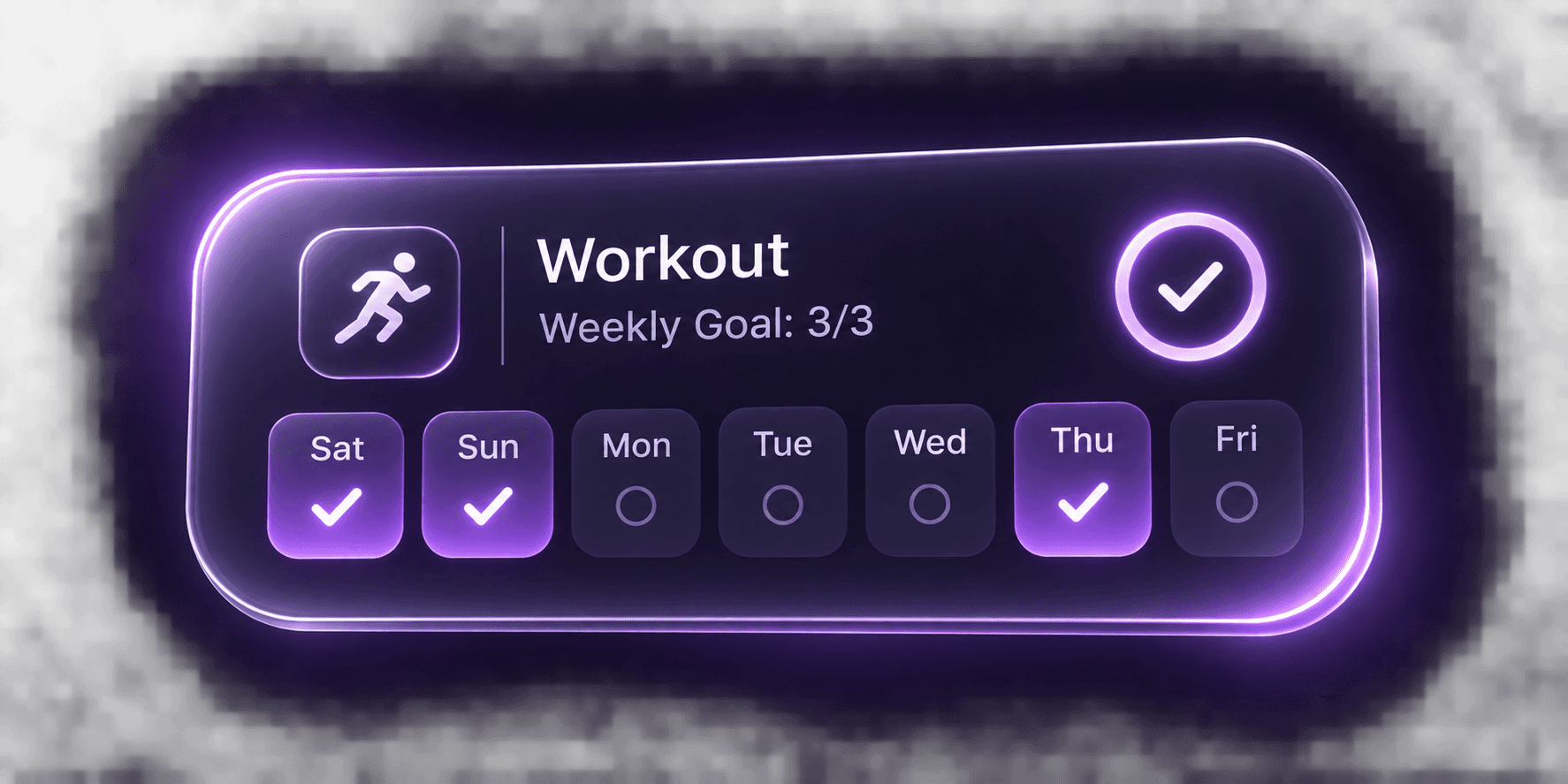
Your sport, your days, your pace. Make showing up part of your week.
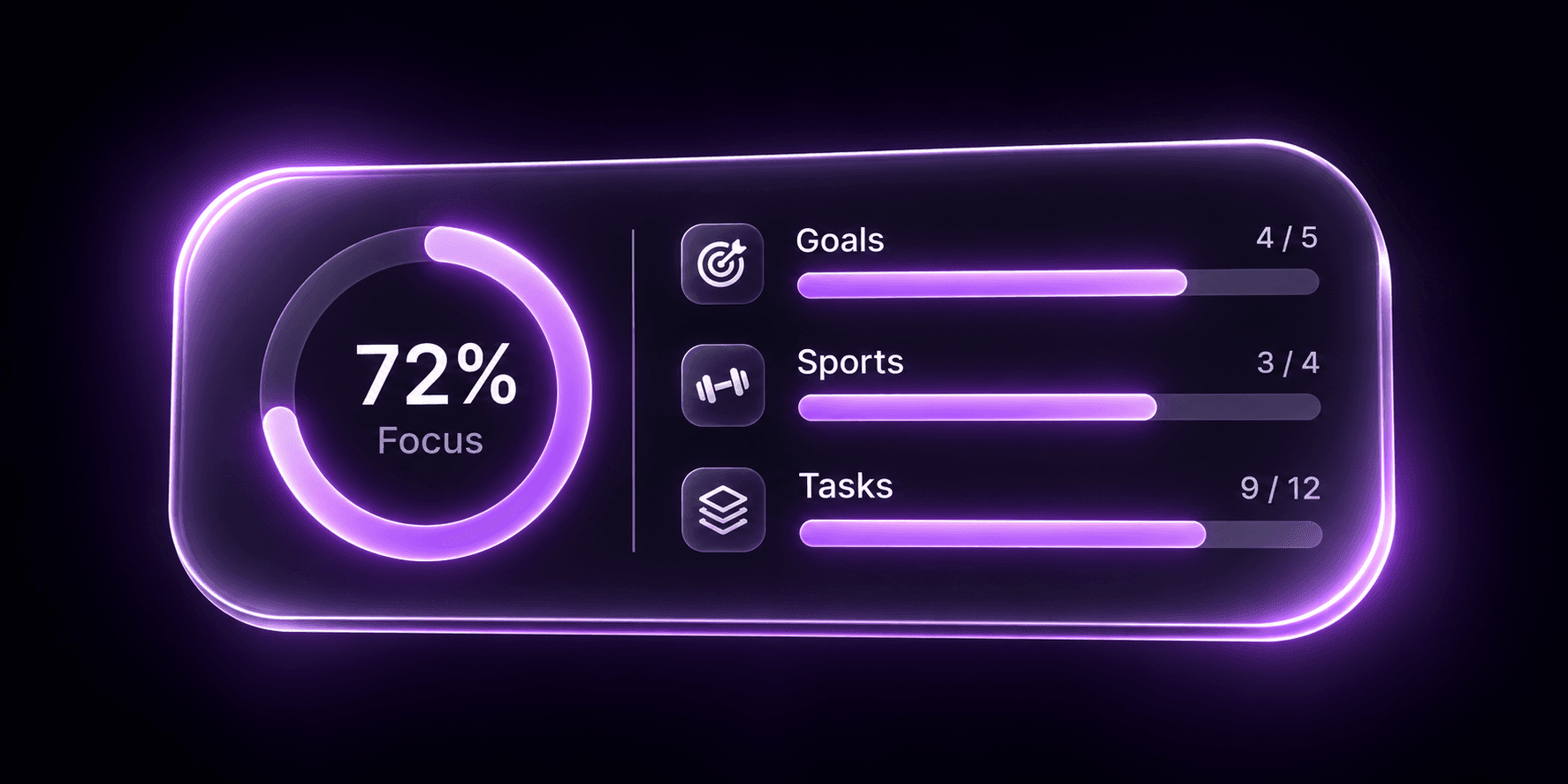
Less noise. A clear next step. Give the thing in front of you your attention.
A missed day does not erase your path. Come back and take the next step.
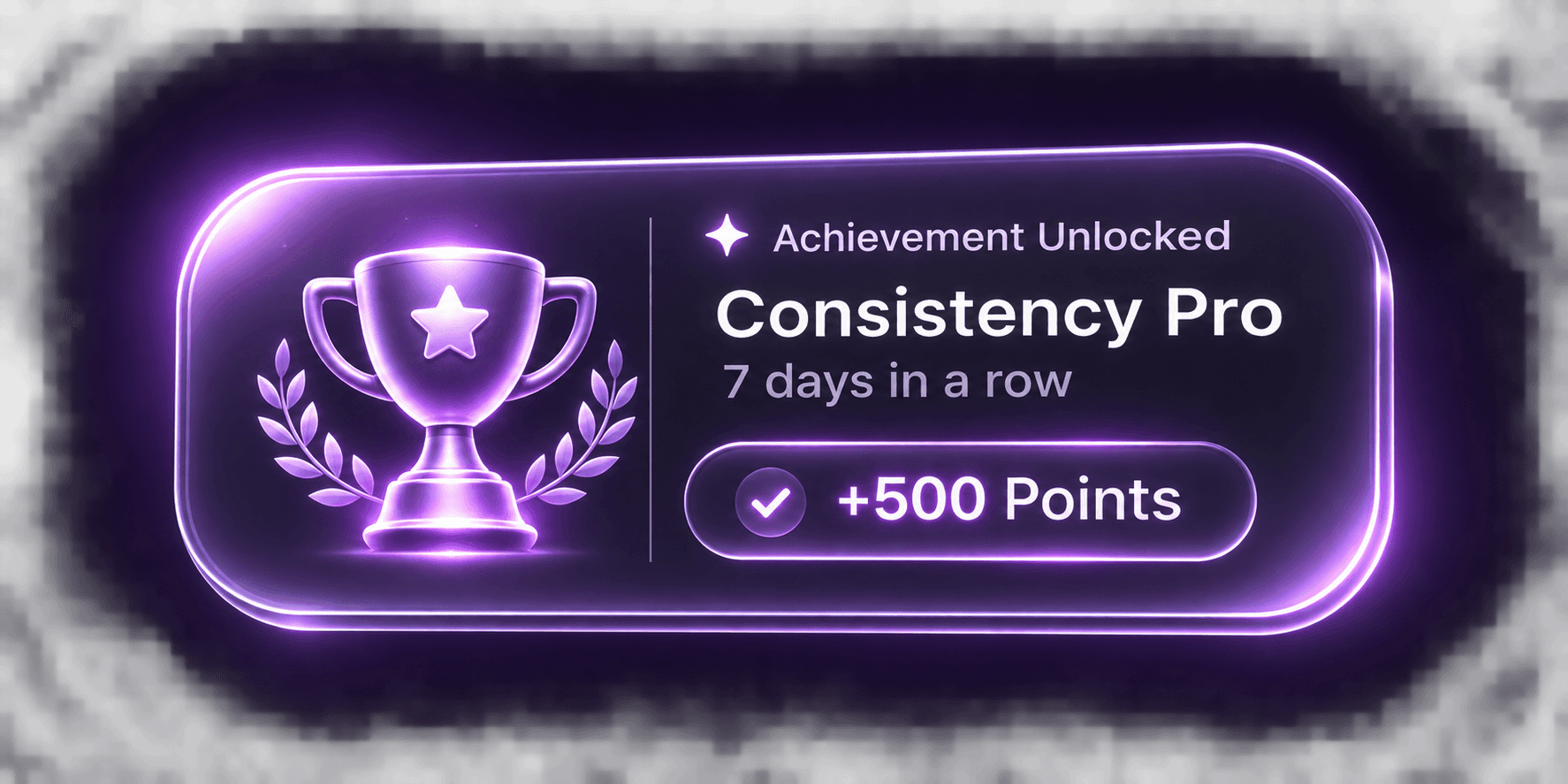
Some days deserve more than a checkmark. Keep a memory of how far you have come.
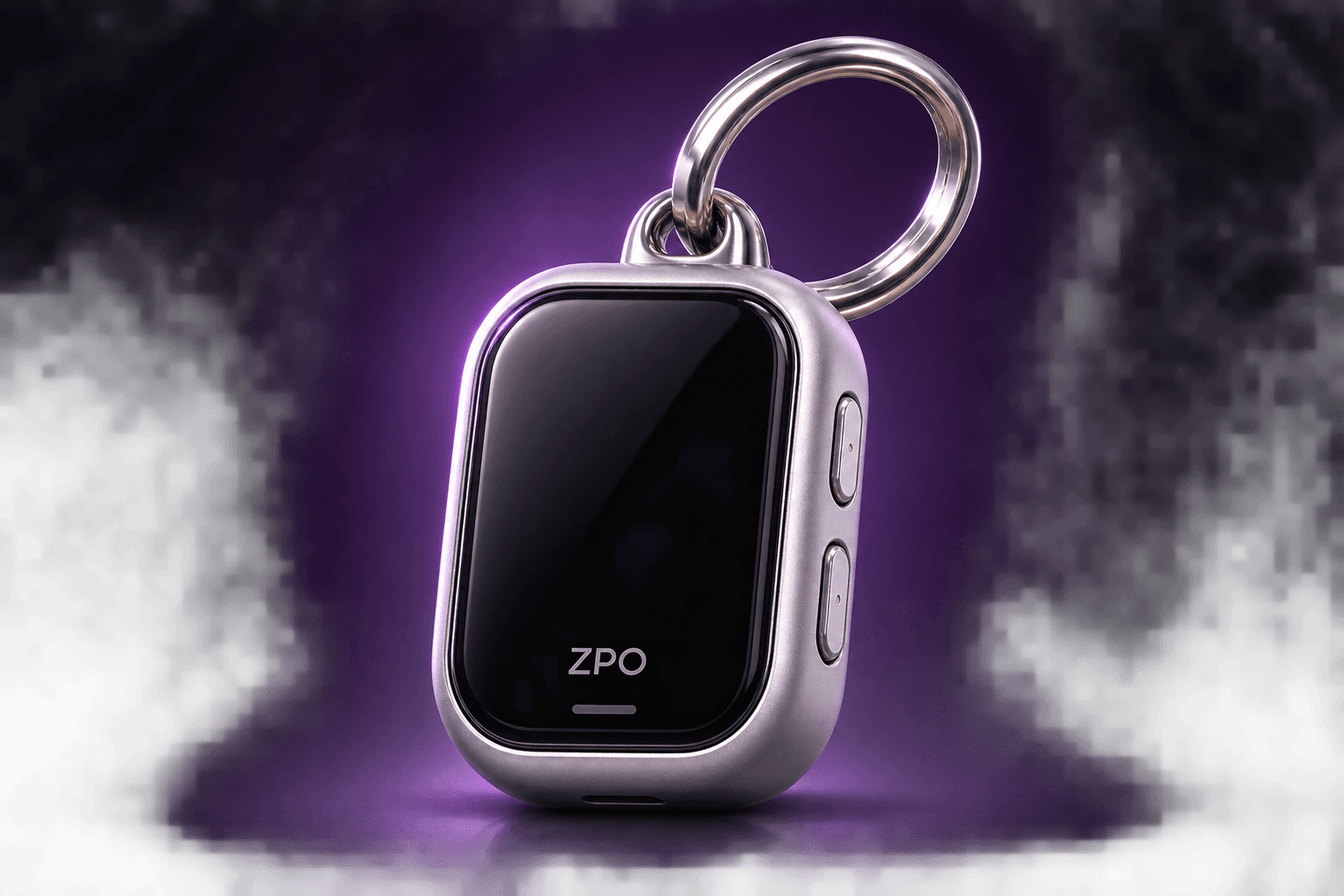
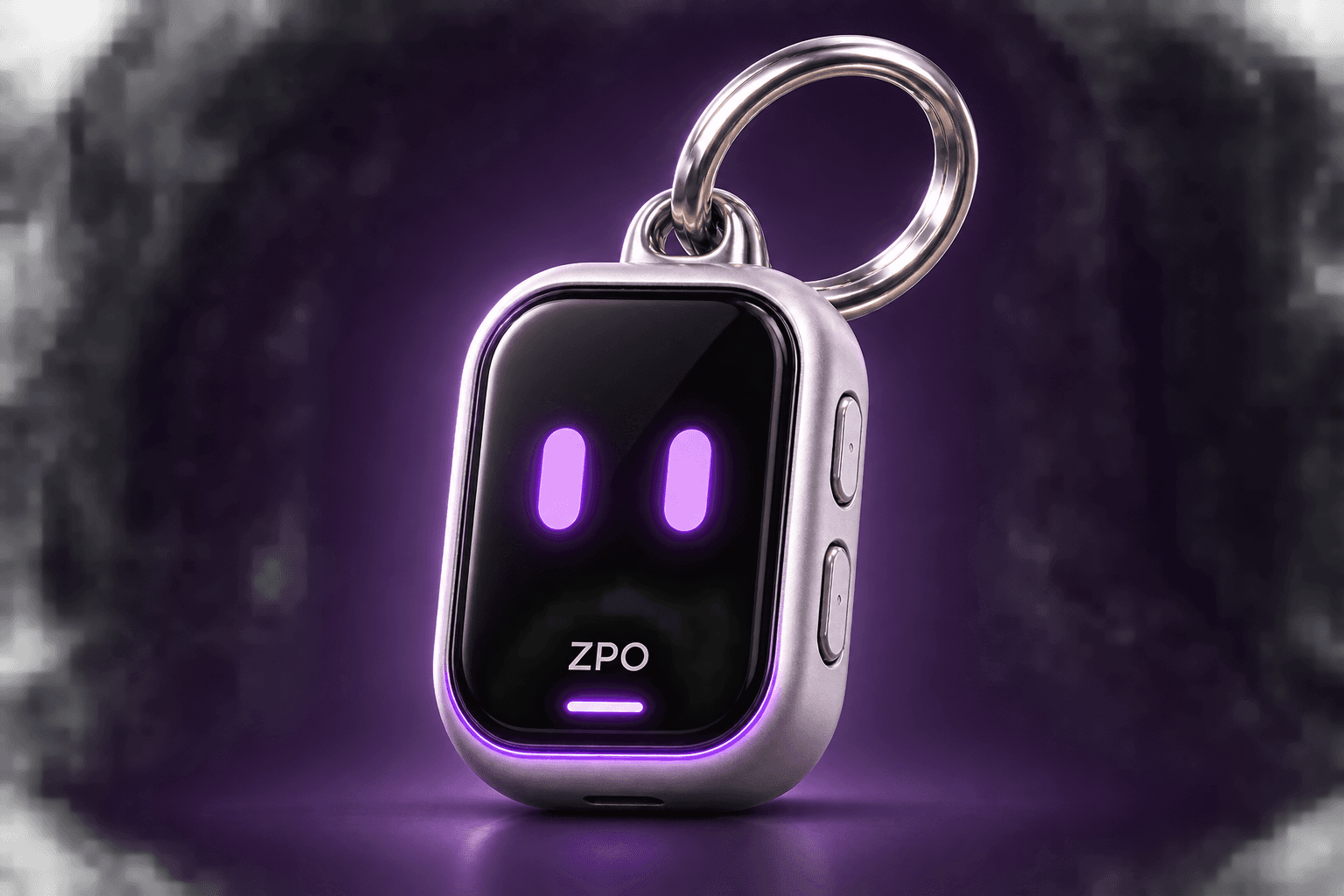
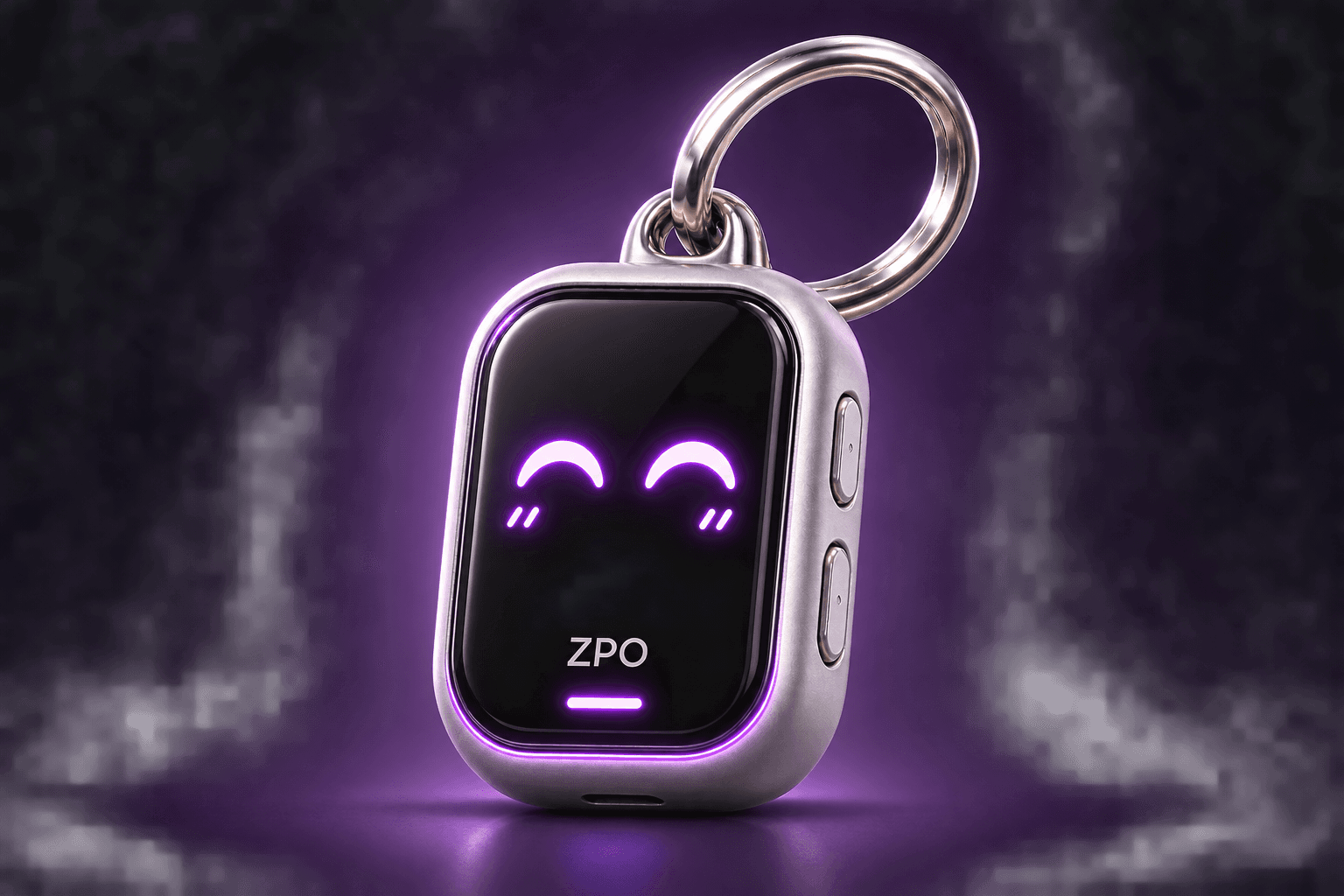
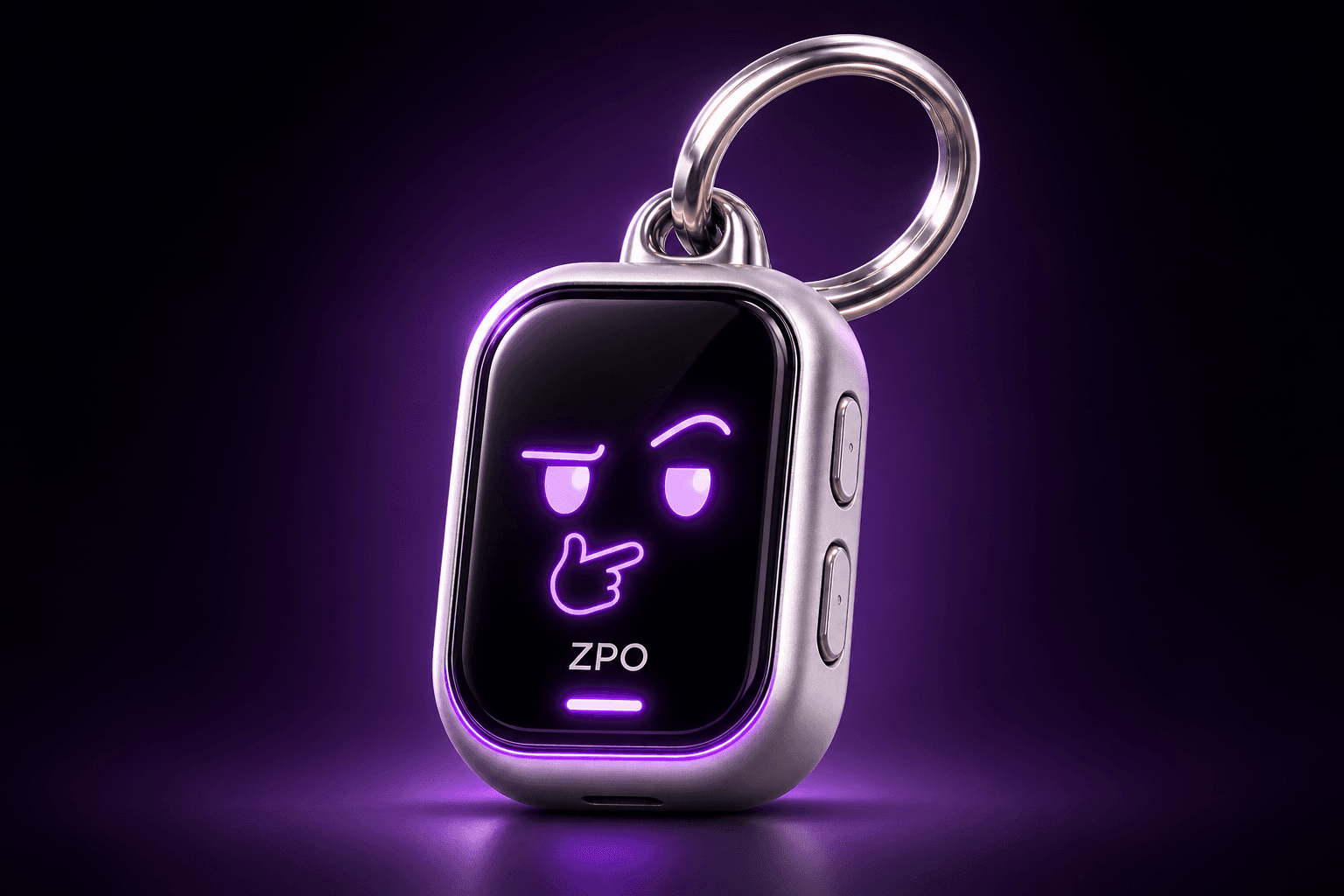
Meet the companion behind your next small step.
A little time for what matters to you.
A little further. Every day.
 0.1
Small steps. A path of your own.
Meet the companion behind your next small step.
ZPO is a visual keychain concept, not a released device. Metrics and points in the supplied interface artwork are illustrative, not active features.
MORE THAN A CHECKMARK
Your training belongs to your own life. Choose your days, rate each session, and keep a memory when you want to.
Use your own training photo; taking a new photo is optional.
Add the 0.1 identity and workout rating. Include the chart when it tells a useful story.
Save the finished image, share it, and revisit your workout memories in the app.
 0.1
Your photo.Your own story.
THE APP, AS IT IS TODAY
Daily tasks, weekly plans and monthly goals work offline. There is no cross-device synchronization yet.
Persian calendar and RTL, English support, and light and dark themes. Choose what feels right for you.
YOUR FIRST SMALL STEP
Download the APK. When updating, install over the existing app without uninstalling it.
Use your invitation code and set up your name. Phone-number login is not part of this version.
Start with a title. Weekly plans, monthly goals and extra settings can wait until you need them.
BEFORE YOU BEGIN
Keep daily tasks, weekly plans and monthly goals connected. Log your workouts and see what you have completed in your report. You can start with just one small task.
No. Just write down your first task for today. Weekly plans and monthly goals are optional, whenever you feel ready for them.
Your personal tasks and plans are stored on your device and work offline. Live market prices need an internet connection. Cross-device synchronization is not available yet.
Download the APK below and install it on your Android phone. The current version requires an invitation code. If you already have the app, install the update over it without uninstalling.
An installable Android version is currently available. This website introduces 0.1; planning and tracking happen in the app.
Install the compatible update over the existing app. Do not uninstall or clear app storage: your personal plans are stored on the device. Cross-device backup and sync are not available yet.
ZPO is a visual concept, not released hardware. The Android app is the available product; the device and illustrative cards show a brand concept.

READY WHEN YOU ARE
The Android version is available to invited users. Download it, keep it simple, and take your first step.
Download Android APKAPK · 0.0.5Public invitation requests are not available yet. This page does not collect your details or create an account.